

Account Linking Component
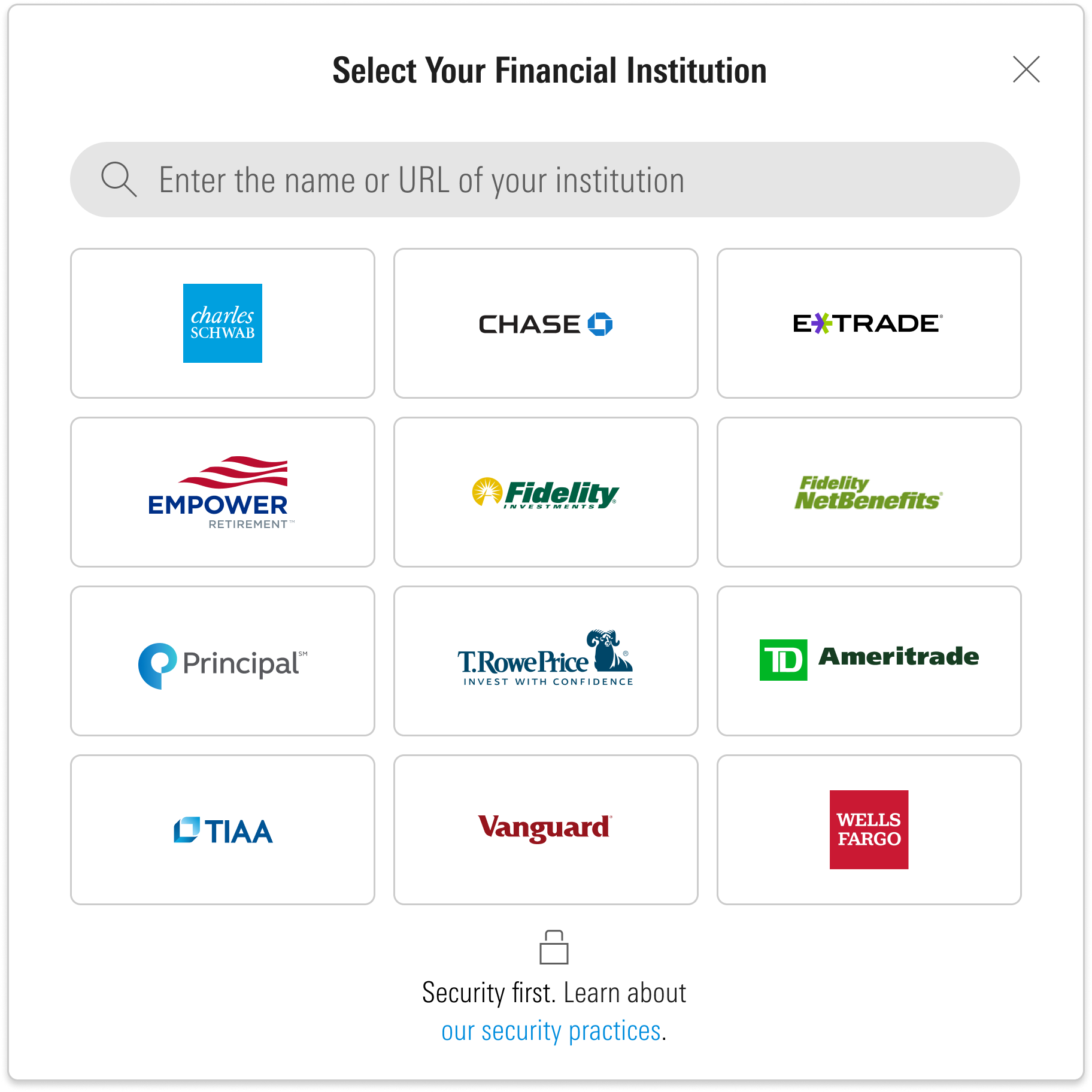
Account Linking is an embeddable UI component that guides users through connecting their financial accounts to the ByAllAccounts aggregation platform.
About this component
Account Linking is a W3C custom HTML element that works with React, Vue, and vanilla JavaScript applications. It supports Chrome (including incognito), Firefox, Microsoft Edge, and Safari.
Users must have read-write permissions, authenticate via Single Sign On (SSO), and belong to a firm licensed for Account Linking. Both investor and advisor users are supported.
What it does
Account Linking handles the experience of connecting accounts to the aggregation system. Users select a financial institution, provide their connection details, and choose which accounts to link. The component also supports updating existing credentials and discovering additional accounts on an existing connection.
The component manages the full range of connection types and authentication flows behind the scenes. For open banking connections, it opens the institution's authorization page where the user grants access directly. It also handles in-session authentication challenges such as multi-factor authentication, security questions, and one-time activation codes.
Once accounts are linked, aggregated data (balances, holdings, transactions) is available through the ByAllAccounts APIs. The component itself does not surface aggregated data — it handles the linking workflow only.
Deep linking
Platforms can launch Account Linking directly into a specific workflow step rather than starting from the beginning. This is useful when your platform already knows the context — for example, which institution the user needs, or which credential has an issue — and you want to skip the steps the user doesn't need.
Platforms can also build their own search or institution selection experience using the API and then hand off to Account Linking at the credential entry step, keeping full control over how users find and choose their institution.
Use cases
- Targeted onboarding — Launch directly into a specific institution's credential entry, bypassing FI search and selection. Useful when your platform supports a curated set of institutions or manages its own search experience.
- Reauthorization — Route users directly to an existing credential that needs to be updated, for example after a password change or token expiration.
- Account discovery — Open the discovery step for an existing credential so the user can link newly available accounts without re-entering credentials.
- Account management — Jump directly to an account's detail view for editing or removal.
- Pending requests — Show the status of a pending connection request for a financial institution not yet available in the network.
Platforms can also control whether users can add multiple credentials in a single session or are limited to one.
For route parameter syntax and code examples, see the Development Guide.
Customization
Account Linking can be configured to match your platform's look, feel, and scope.
Content
Terminology — Override all static text (labels, buttons, dialogs) via a translation file. Each component has its own translation file with different terms.
Styling
Styles — Override default Morningstar Design System (MDS) styles with your own CSS.
Fonts — Override default MDS fonts with your own font files.
Behavior
FI logo grid — Control whether popular financial institution logos are displayed on the institution selection page. When off, only the search field and institution list are shown.
URL in search — Control whether financial institution URLs are included in search results when a user searches for an institution.
Source network scoping — The institutions available for search depend on the user type. Investor users see the full non-professional network. Advisor users see the full network or can be scoped to direct feed sources only.
Institution exclusions — Specific institutions can be excluded from search results if you do not want users connecting to them.
Institution requests — Users can request connections to financial institutions not currently available. Requests appear as pending in Account Summary until the connection is established.
For configuration file details and implementation steps, see the Development Guide.
Updated 6 months ago